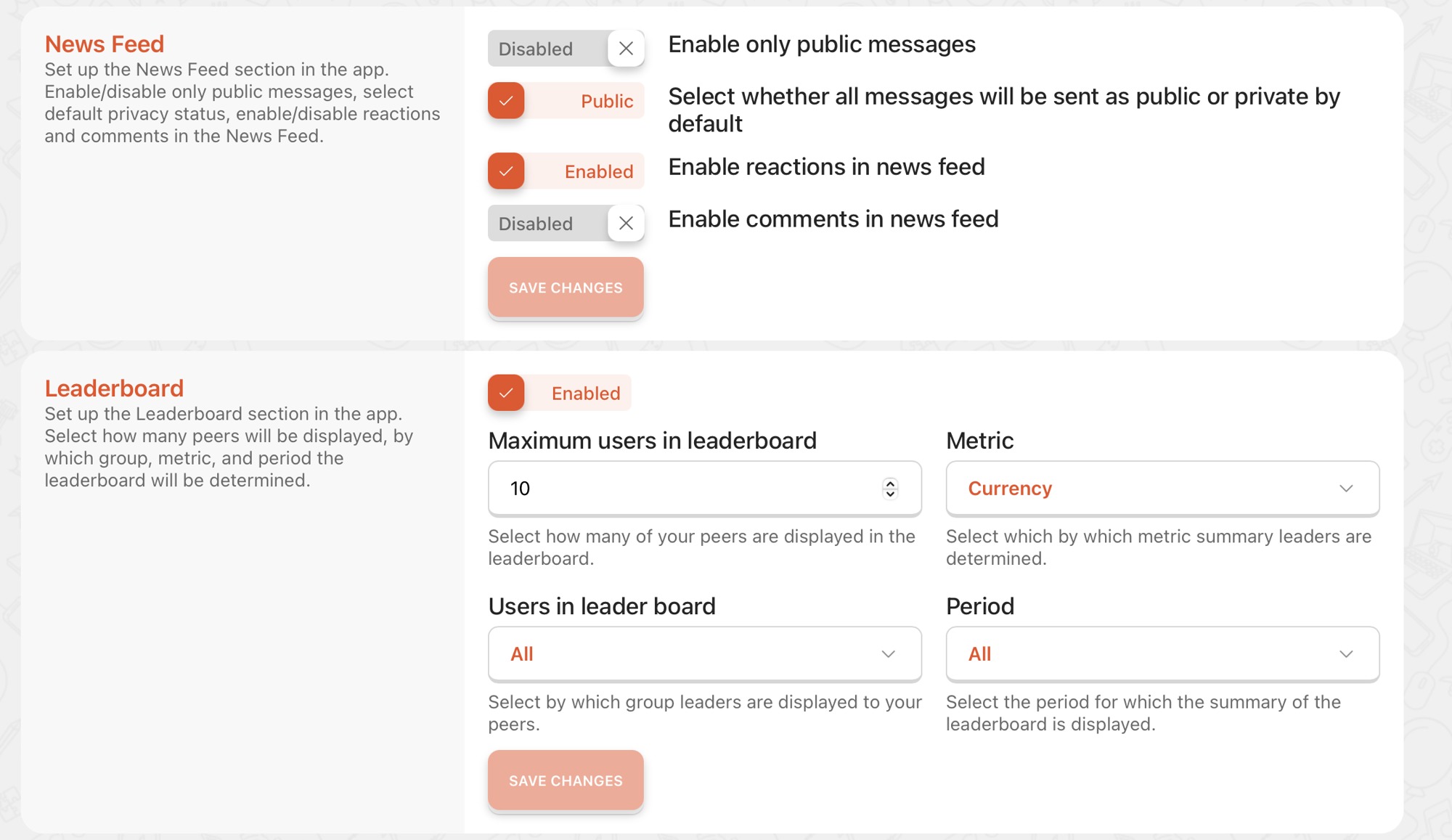
App Customization
Once you have started your free trial and input all the information necessary, we will provide you with an empty tenant which you can fully use for 30 days for free to explore Peero and try it within your team.
Once you enter the application and select your tenant you must approve all the document necessary for the app to function properly.
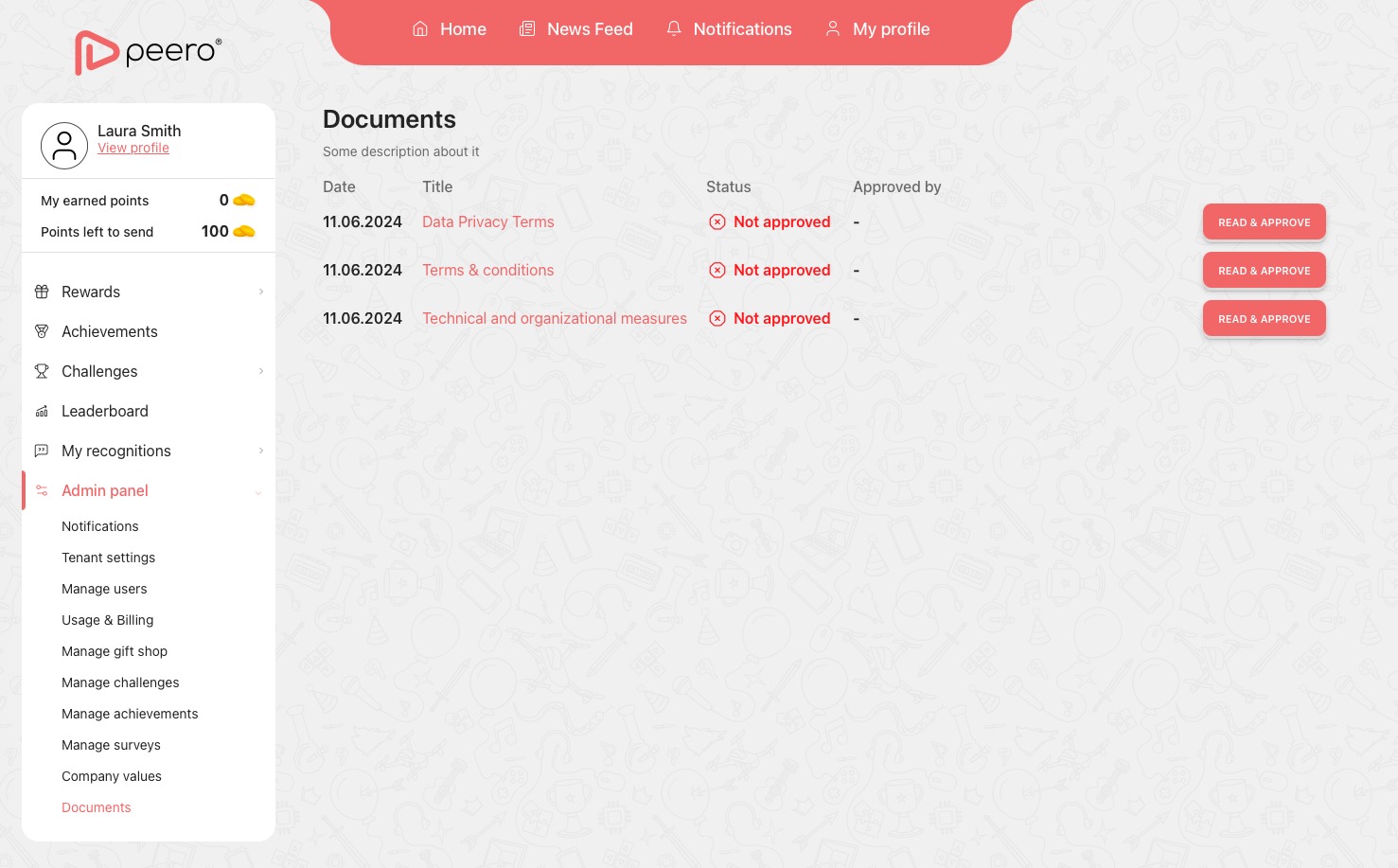
Once done so you may start to personalize the app towards your companies’ goals. Once you create a tenant for the company you count as an admin person and have access to all the set up and features Peero offers.
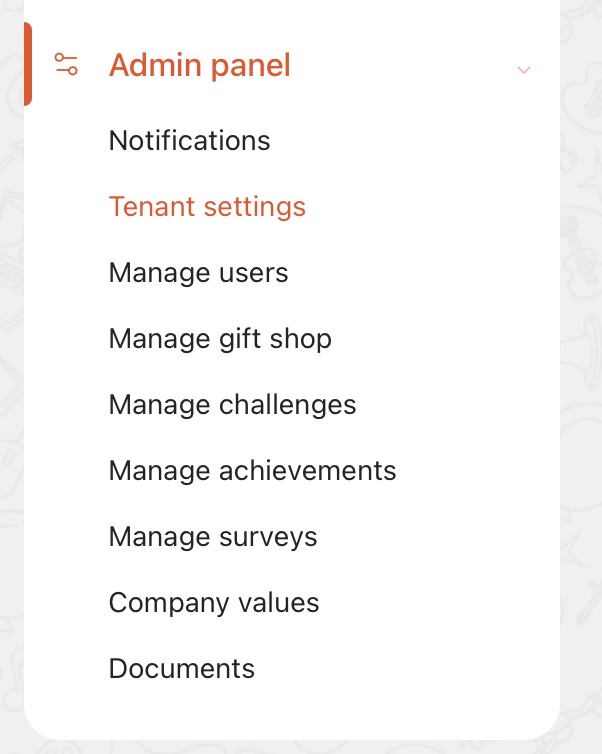
There you must go to the tenant settings tab in which you can as admin have to set up the company’s profile.
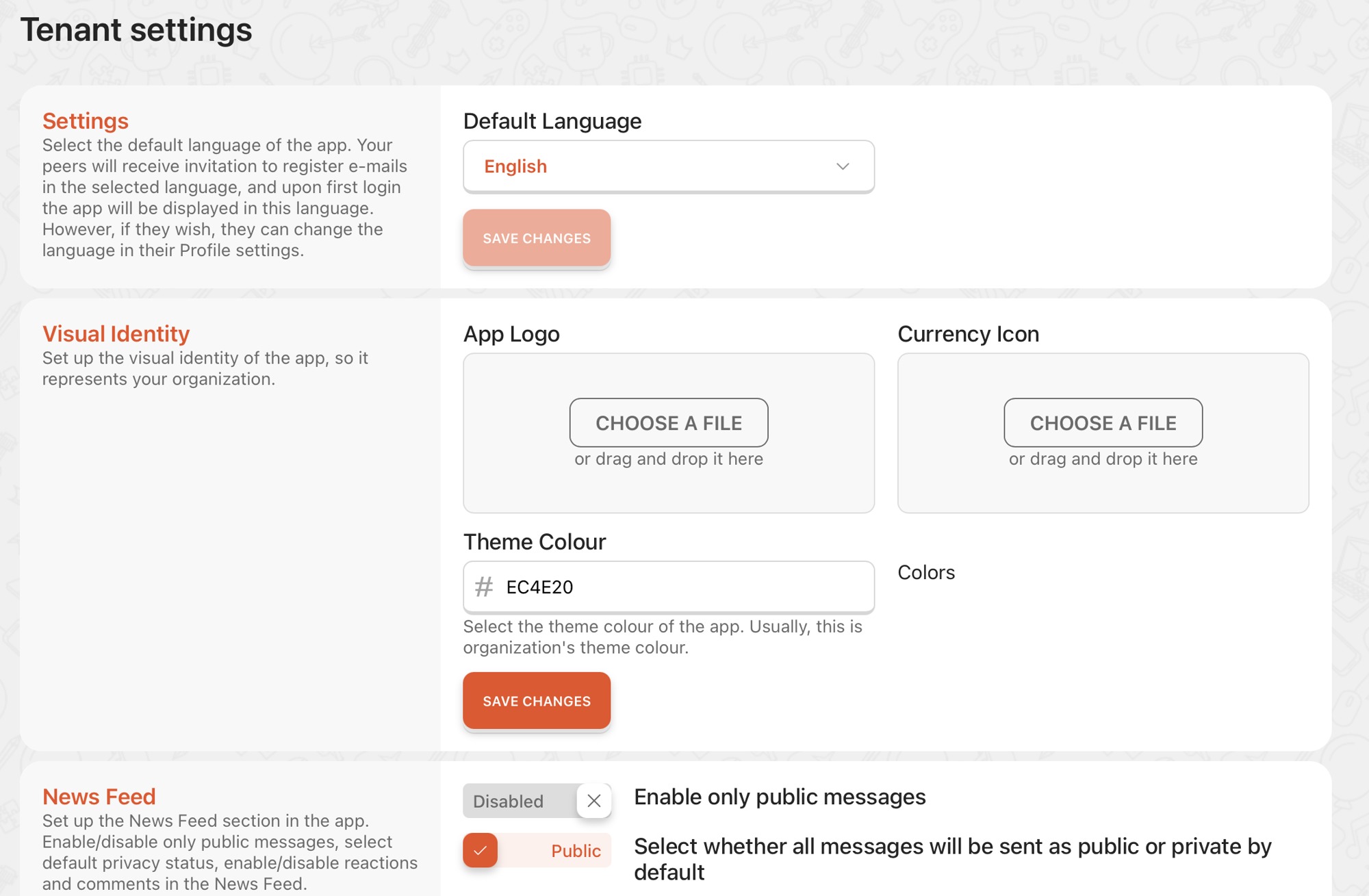
Language
You have to set up the language of your choice. We suggest the language you communicate within your company. We currently offer up to 10 languages that are globally used. A new language incorporation does not require a long time. If there is a need for a new language that is something that we welcome, you to reach out about to us.
Visual Identity
Input your app logo and value icon of choice. For best image adaptation we suggest that you remove the padding around the image. Input your companies color code to run through the app.
News Feed and Leaderboard
Enable the messages, reactions and comments and what generally appears in the news feed. As well the way that leaderboard will appear. Based on what requirements best serve you company. There is the option to disable the feature.