User roles
Learn what different roles there are in the Peero system
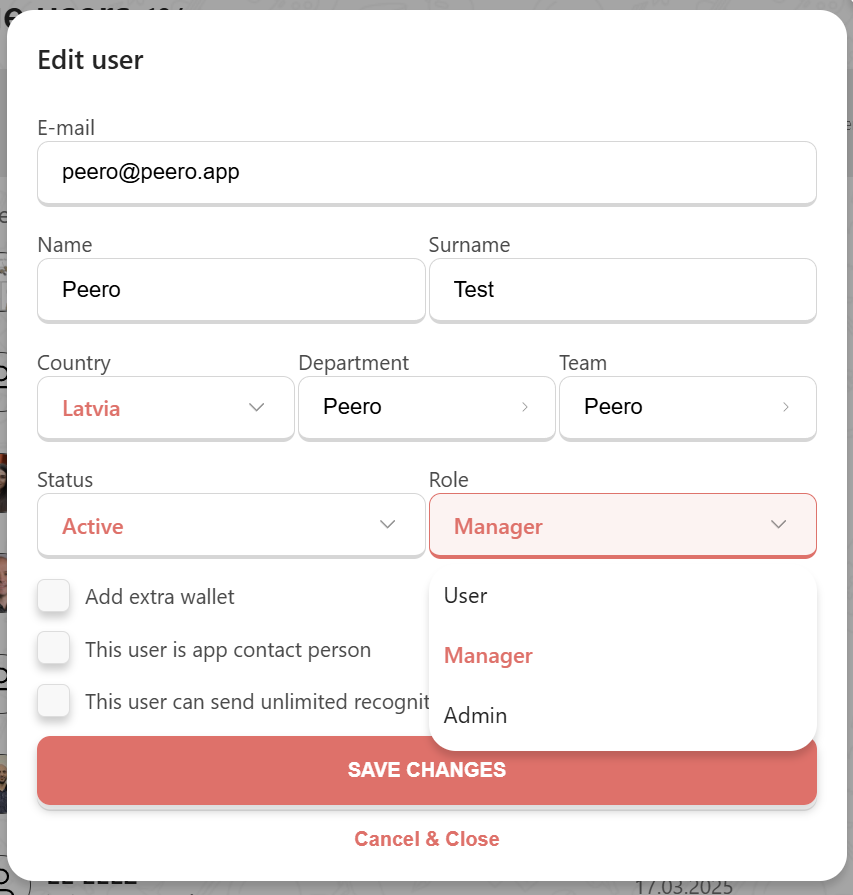
There are three different user roles in the Peero application:
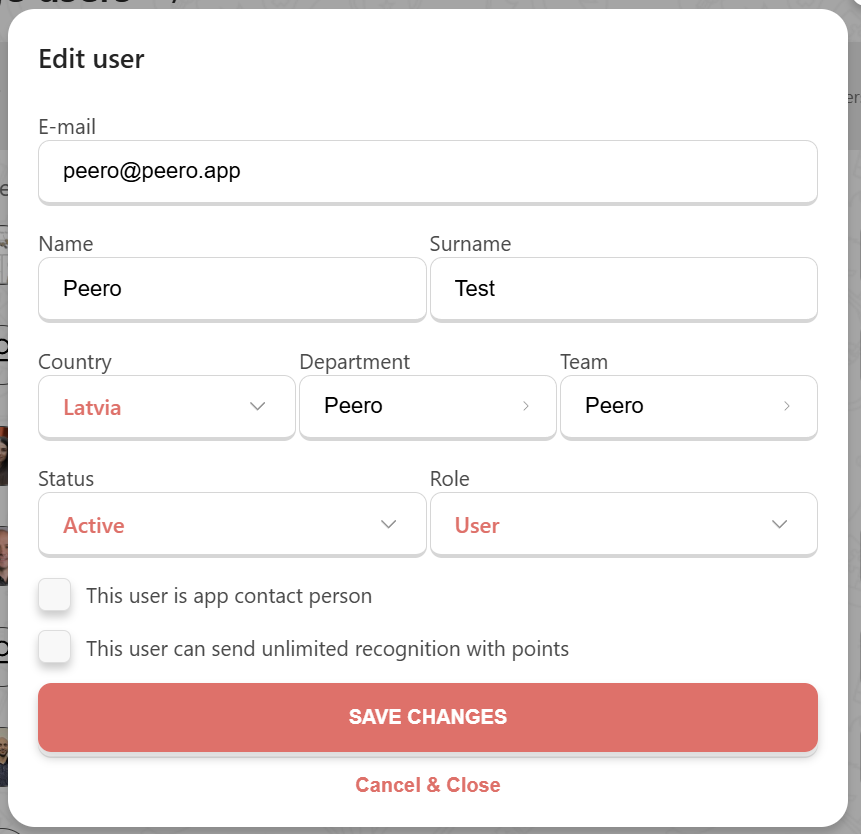
- User - regular system user who has access to Peero app and can send and receive recognition
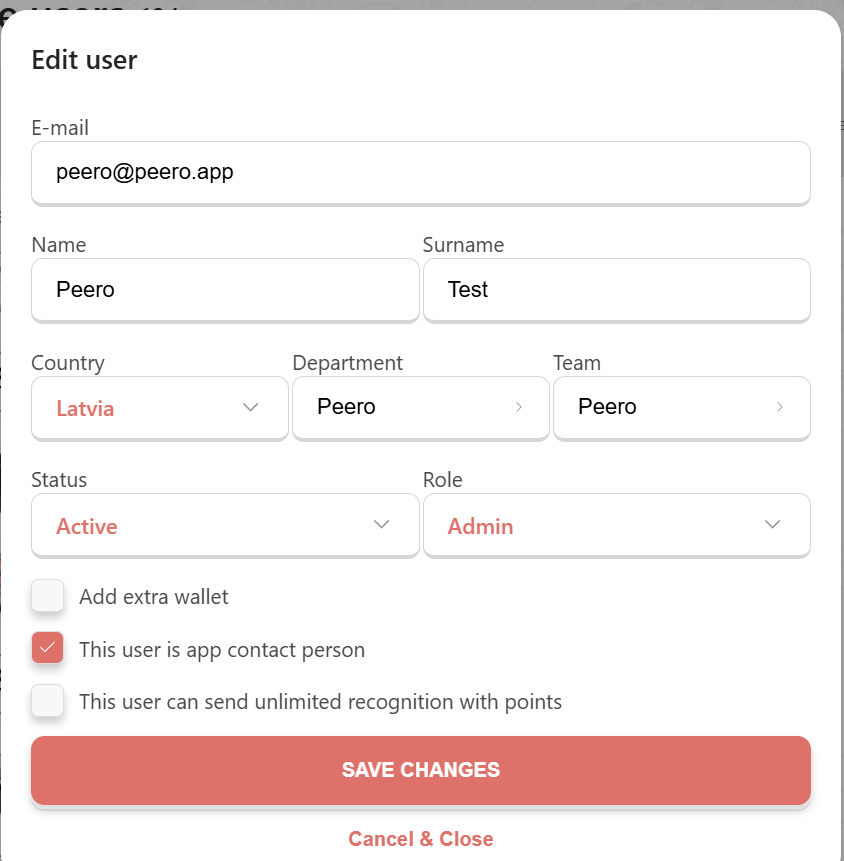
- Admin - system administrator who has access to admin settings and can adjust the interface of the application. We recommend having at least two Admins per one company.
- Manager - A user with the "Manager" role can be assigned an additional Peero wallet. In this case, the manager will be able to send recognitions personally from themselves (this personal wallet will have the same limit as other employees). Additionally, the "Manager" role can be granted a separate Peero wallet, which can either be unlimited or have a custom limit set individually. The manager's budget can be used to reward employees for achieved goals and other accomplishments. Users with the Manager role do not have access to the admin panel.
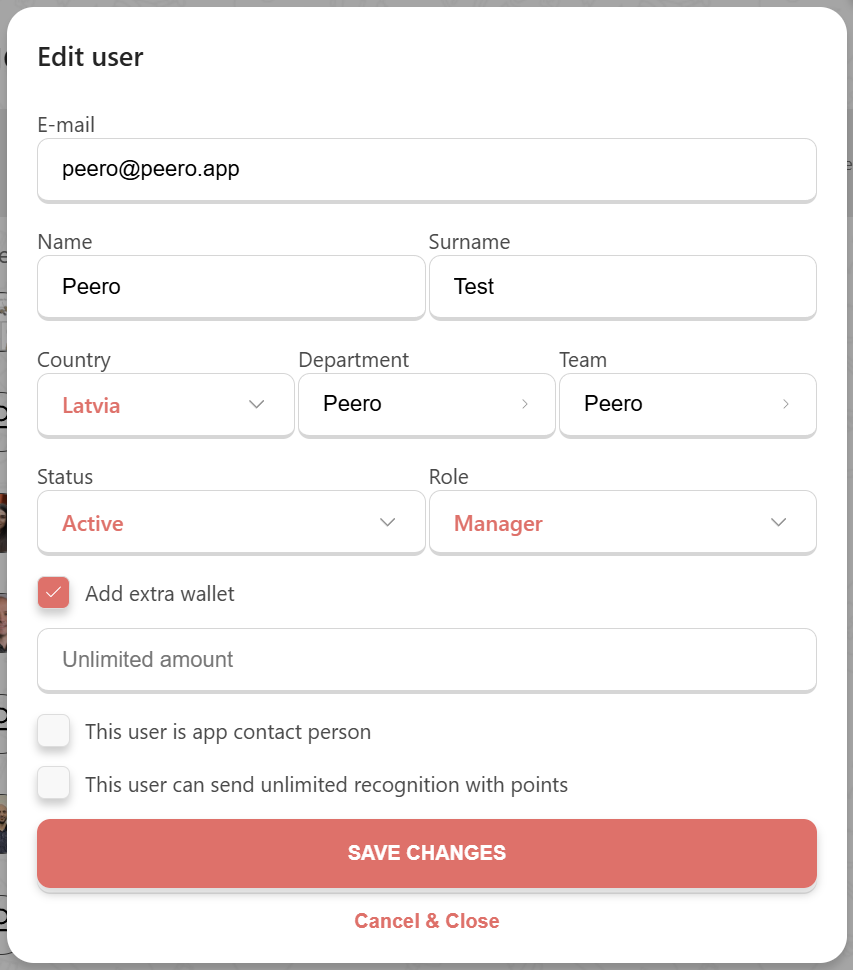
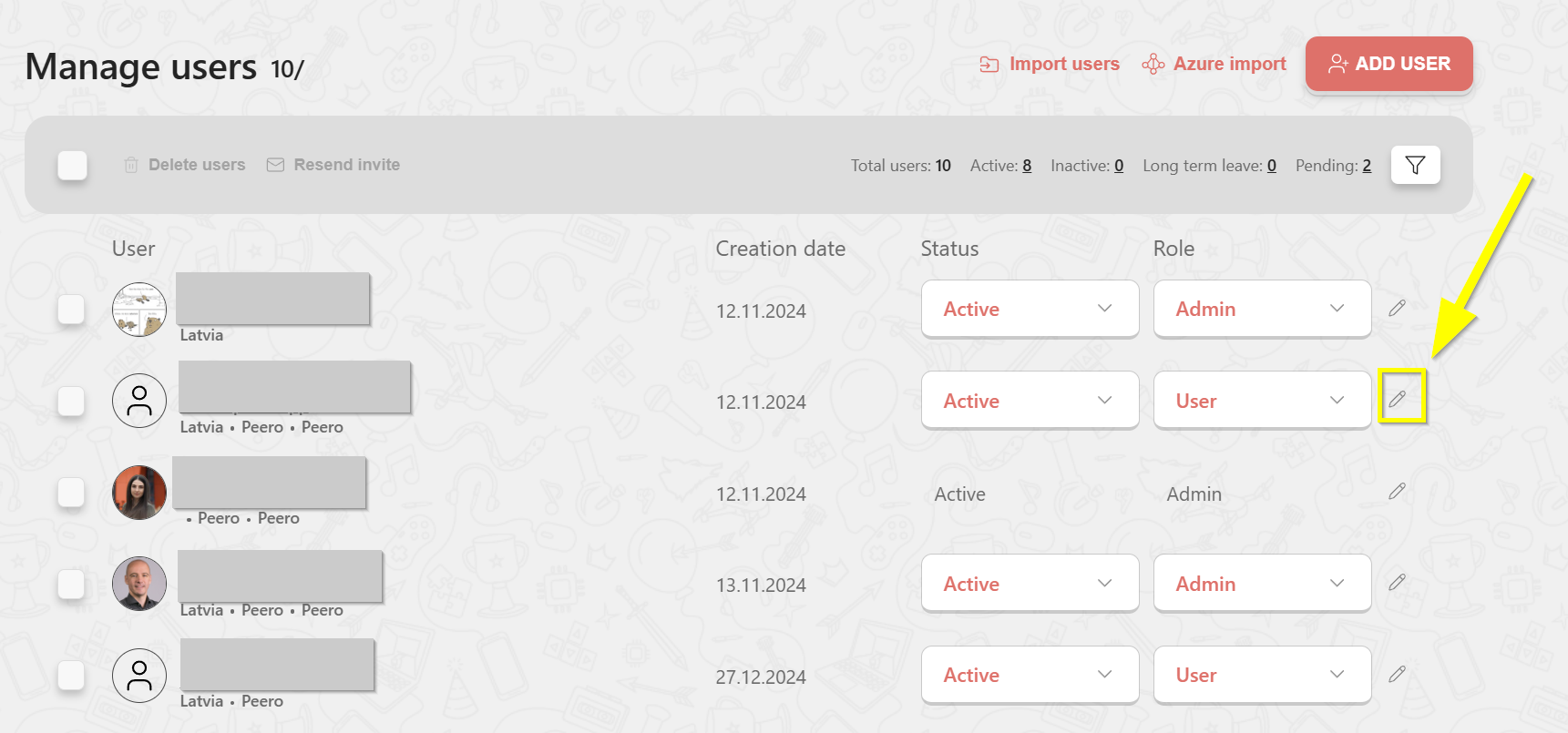
To change the role for the user - click on the pencil icon and change the status.