
Manage Surveys
The Surveys section in Peero helps admins test their employees or conduct research around a certain topic.
Go to the “Manage Surveys” section to customize the survey. The Survey section in Peero can be enabled or disabled as needed. If it is disabled, users will not see it, and it will not appear in their menu.
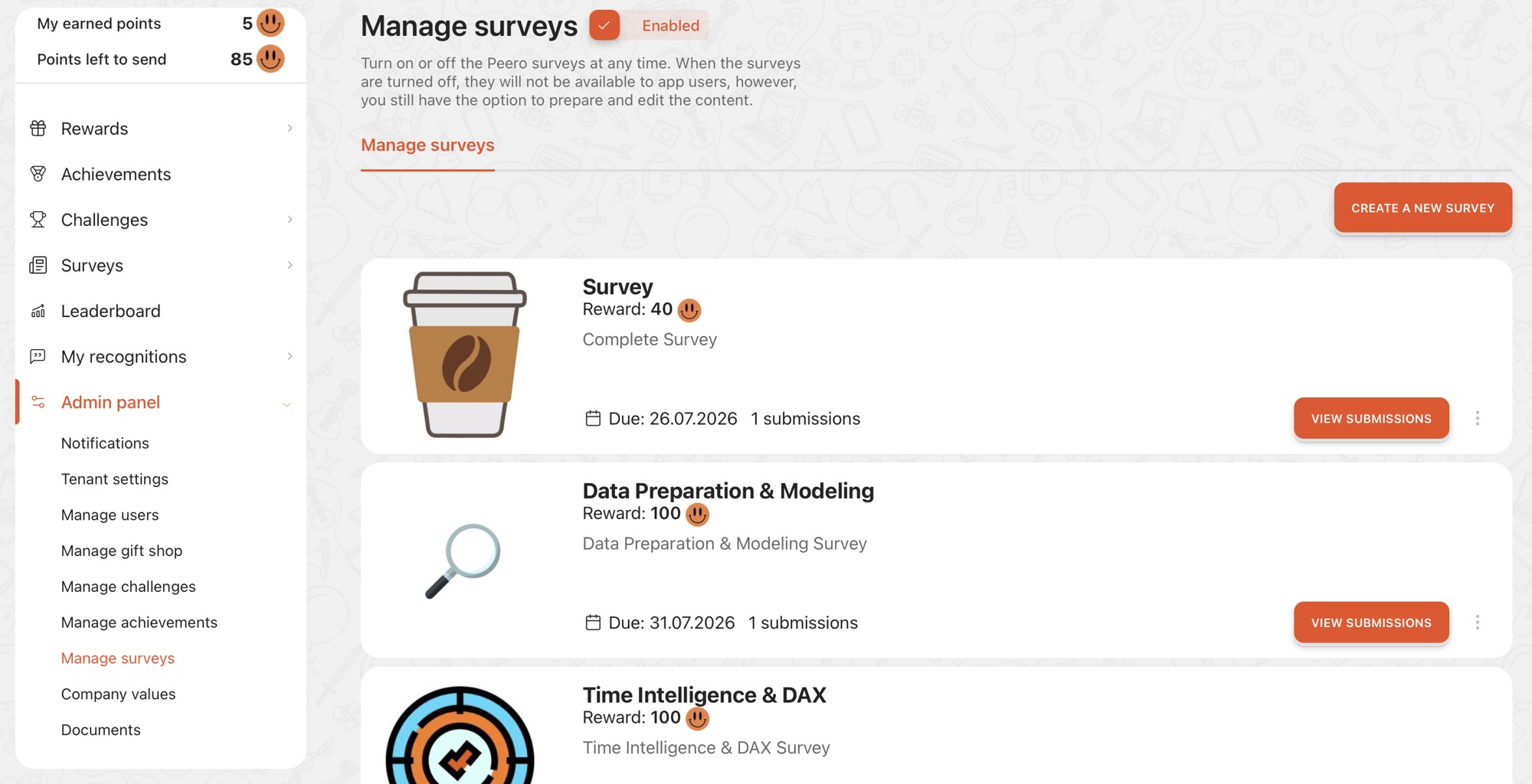
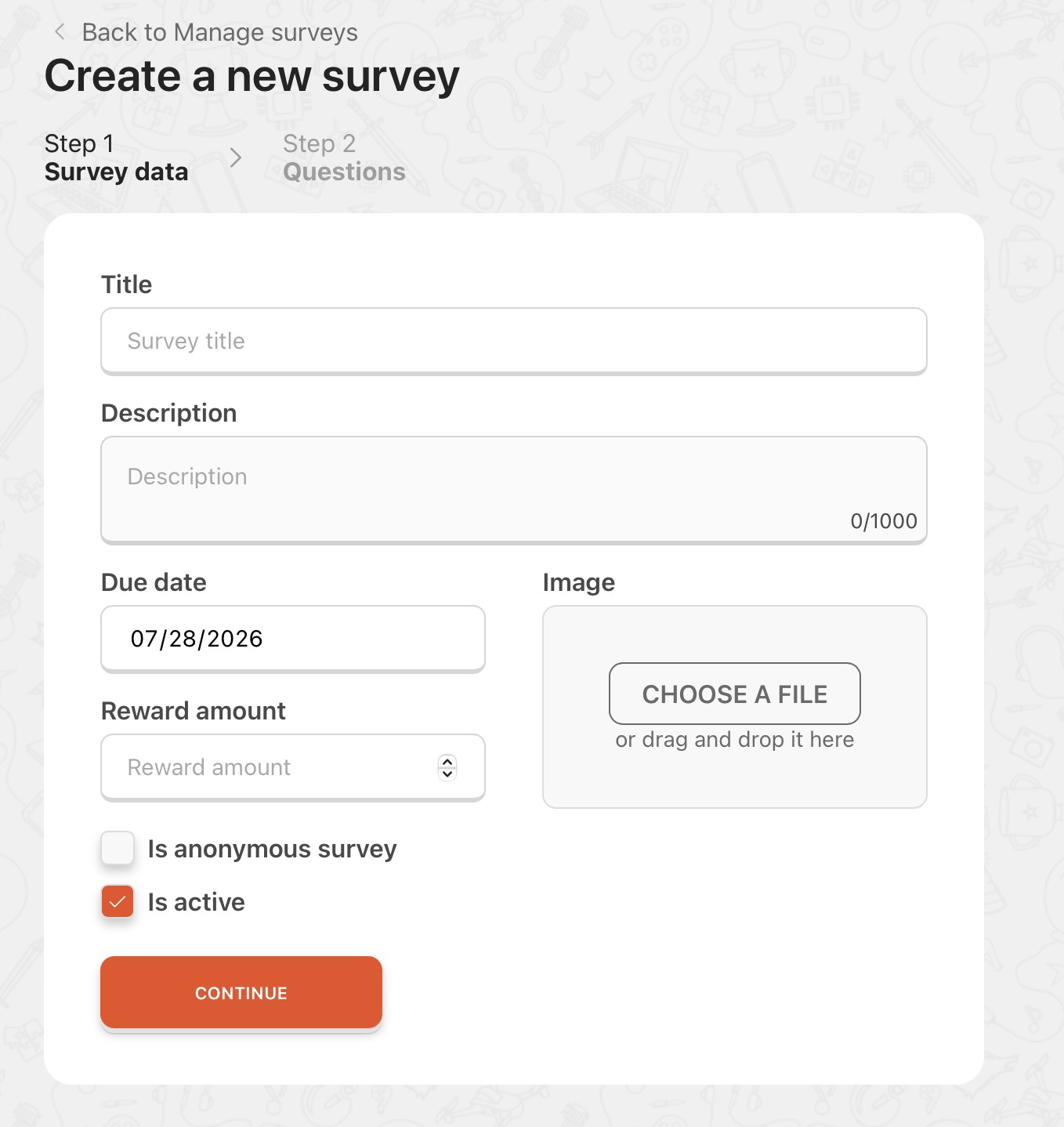
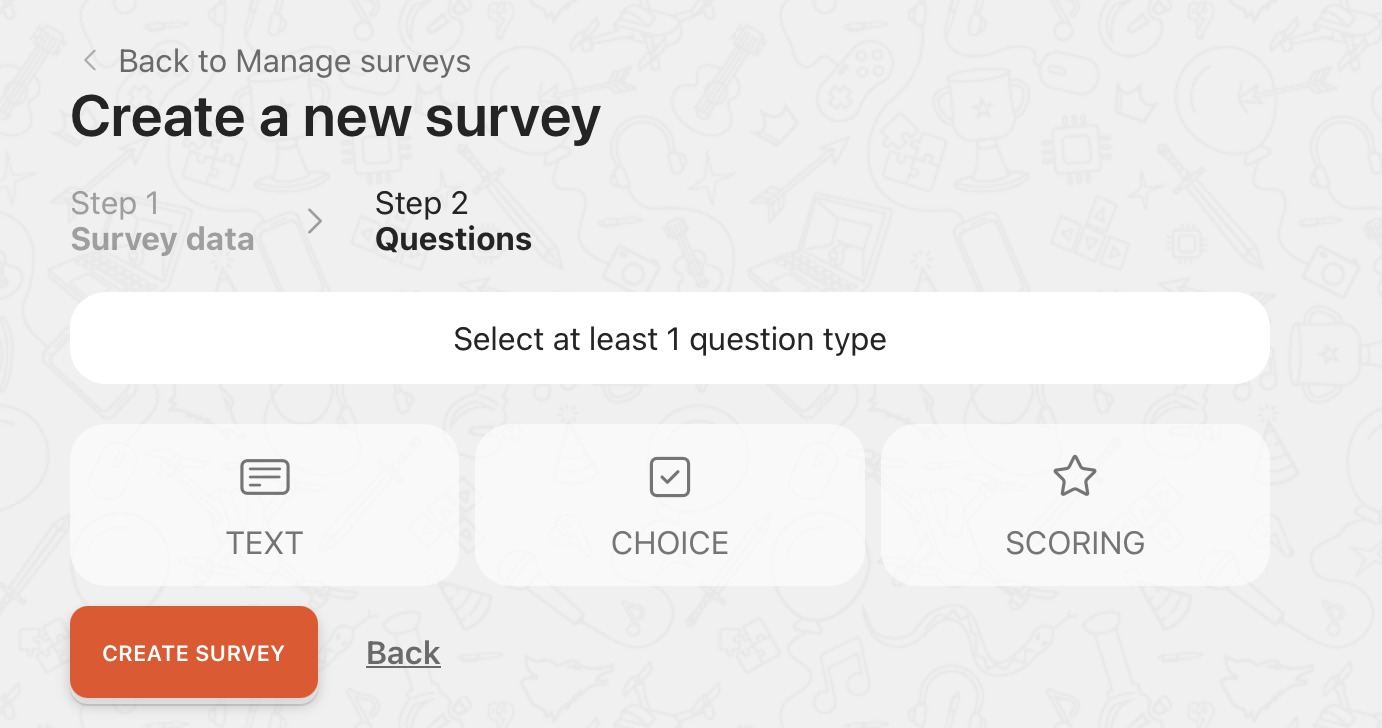
The admin can set three different types of surveys: Simple question, One/Multiple Choice, or Scoring. For all the survey types you can set if the answer is required or not. For multiple choice survey you can add as many choices of answer that is needed.
Don’t forget to send notification when you publish the survey or need more attention around it.