Peero Challenges
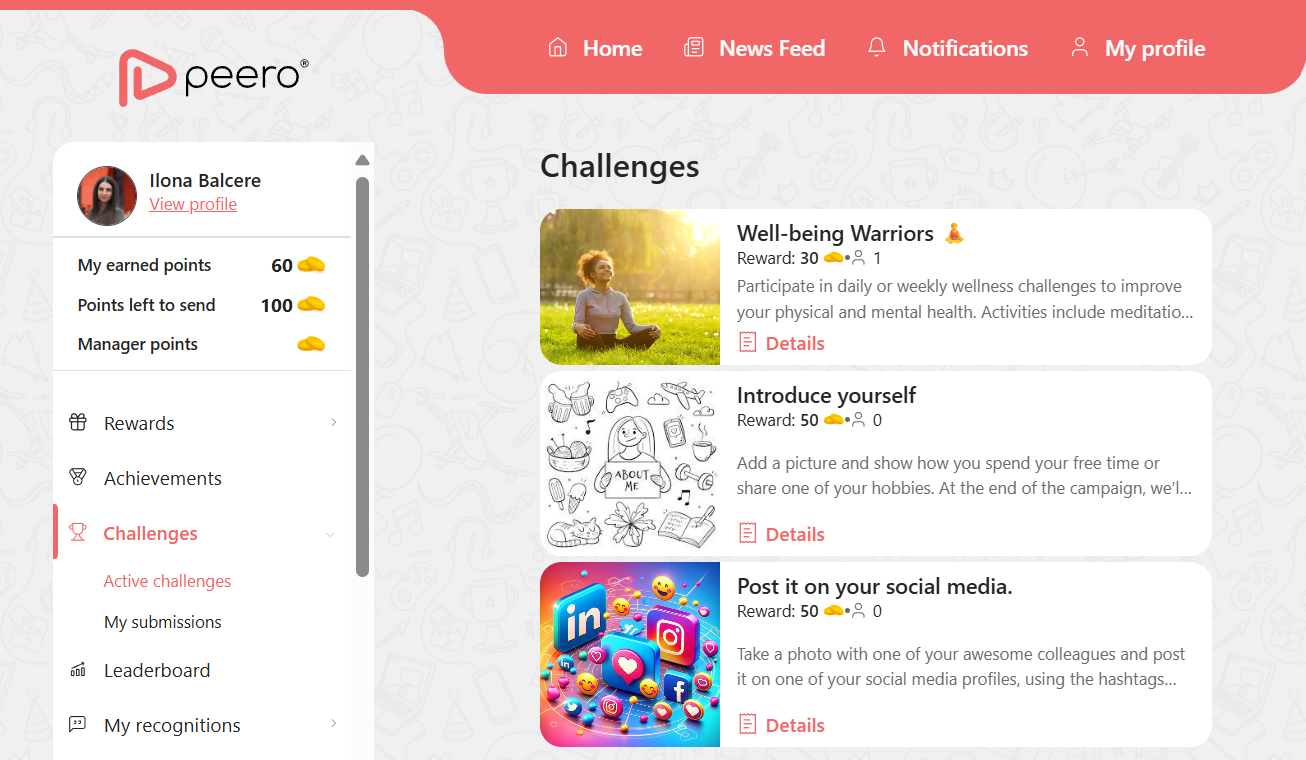
The Peero Challenges section allows companies to define and create customized challenges and tasks tailored to their goals. These challenges can support a wide range of objectives, such as fostering team cohesion, encouraging employees to work more often from the office, promoting healthy and active lifestyles, increasing participation in company-organized activities, and much more.
To manage the Challenges section, go to “Manage Challenges” in the administrator menu.
From there, you can enable or disable the Challenges section. If it’s disabled, users will not see it in their menu. While it is disabled, you can still add new challenges or explore the available options.
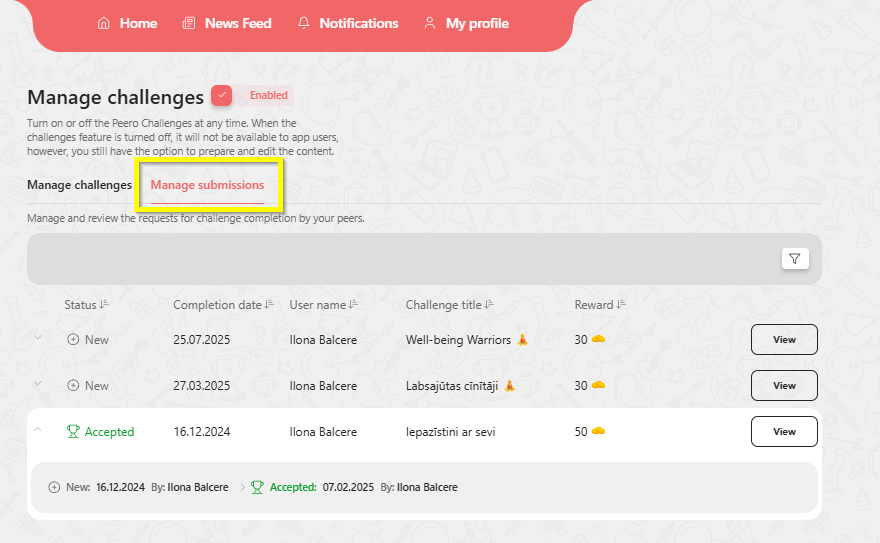
You can also edit existing challenges, or review employee submissions in the “Manage Submissions” section.
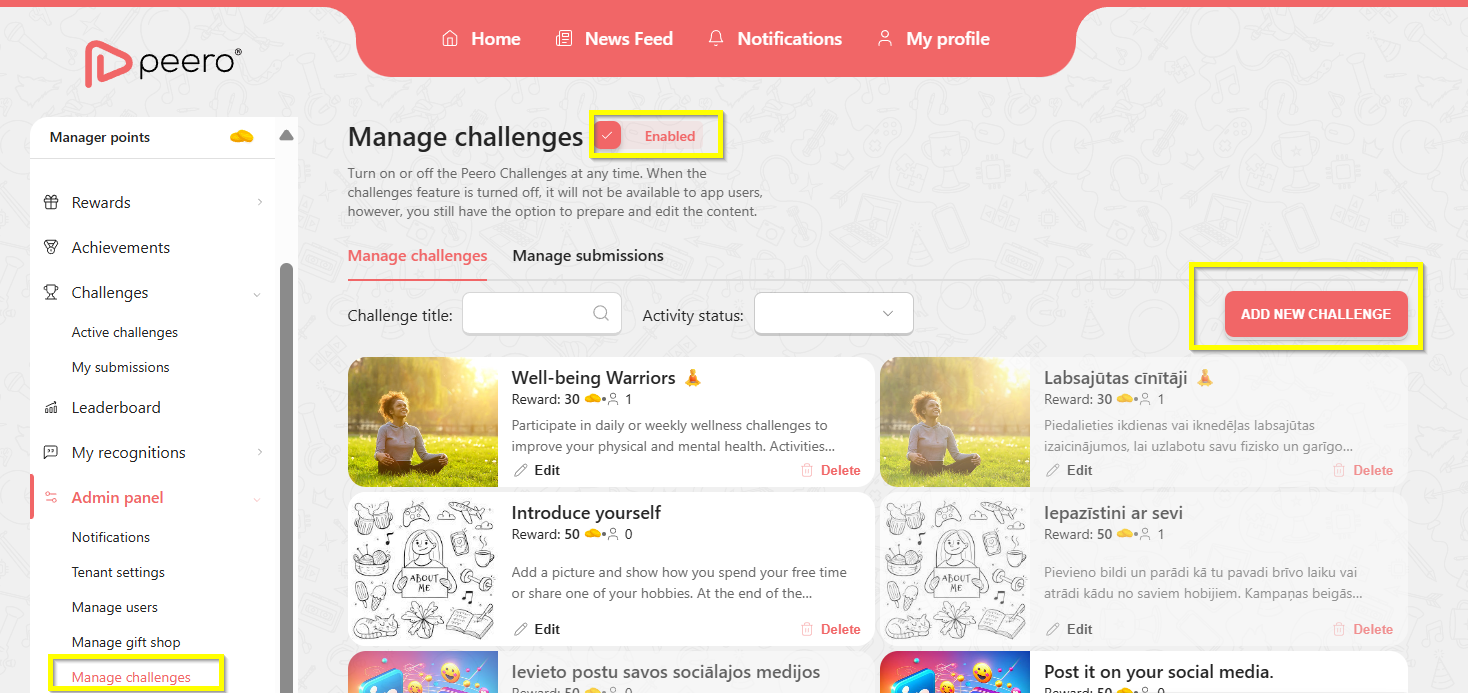
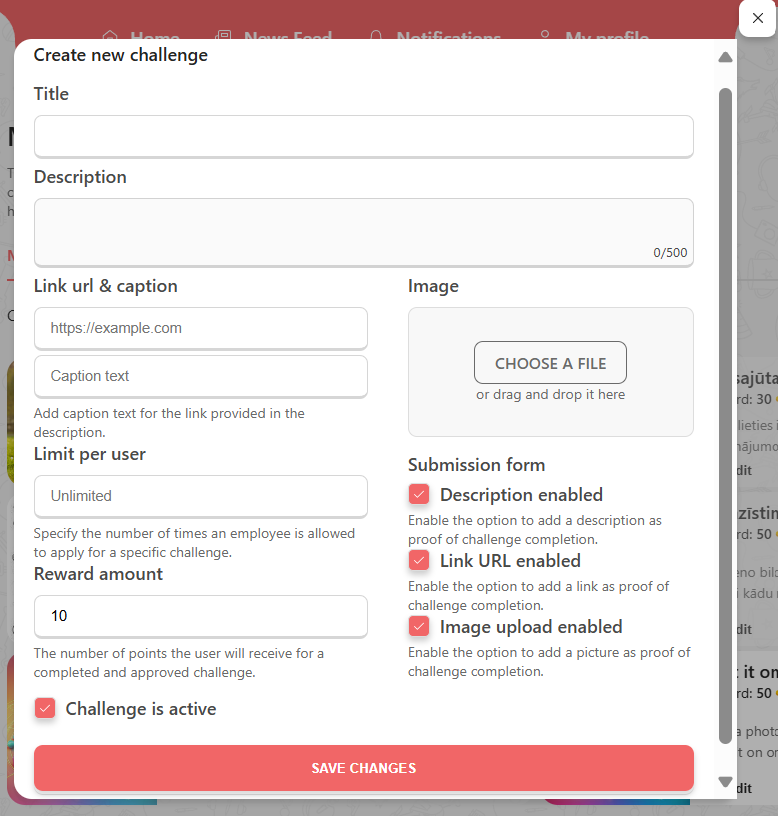
When creating a new challenge, you can choose one or multiple submission form options for employees. Don’t forget to add an image to make the challenge description more visually appealing or to include additional information directly in the image if necessary.
In the "Manage Submissions" section, review and approve all employee submissions.
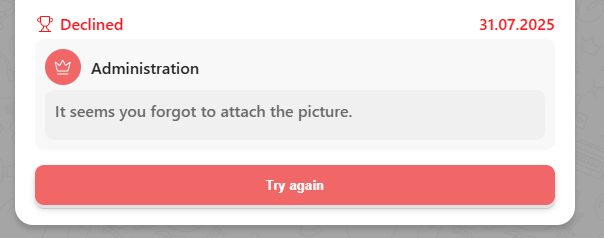
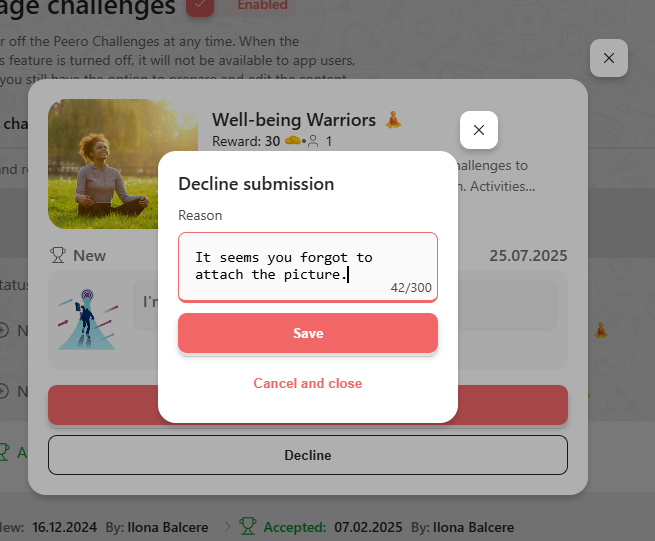
If you need to reject a submission, you can add a comment to inform the employee about the reason for the rejection.
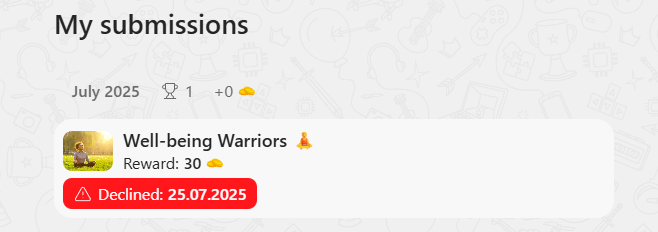
Each employee can view their submission history and see administrator comments in the 'My Submissions' section. If needed, a submission can be updated and resubmitted for review.