
Tenant settings
Let's configure Peero's visual identity for your organization
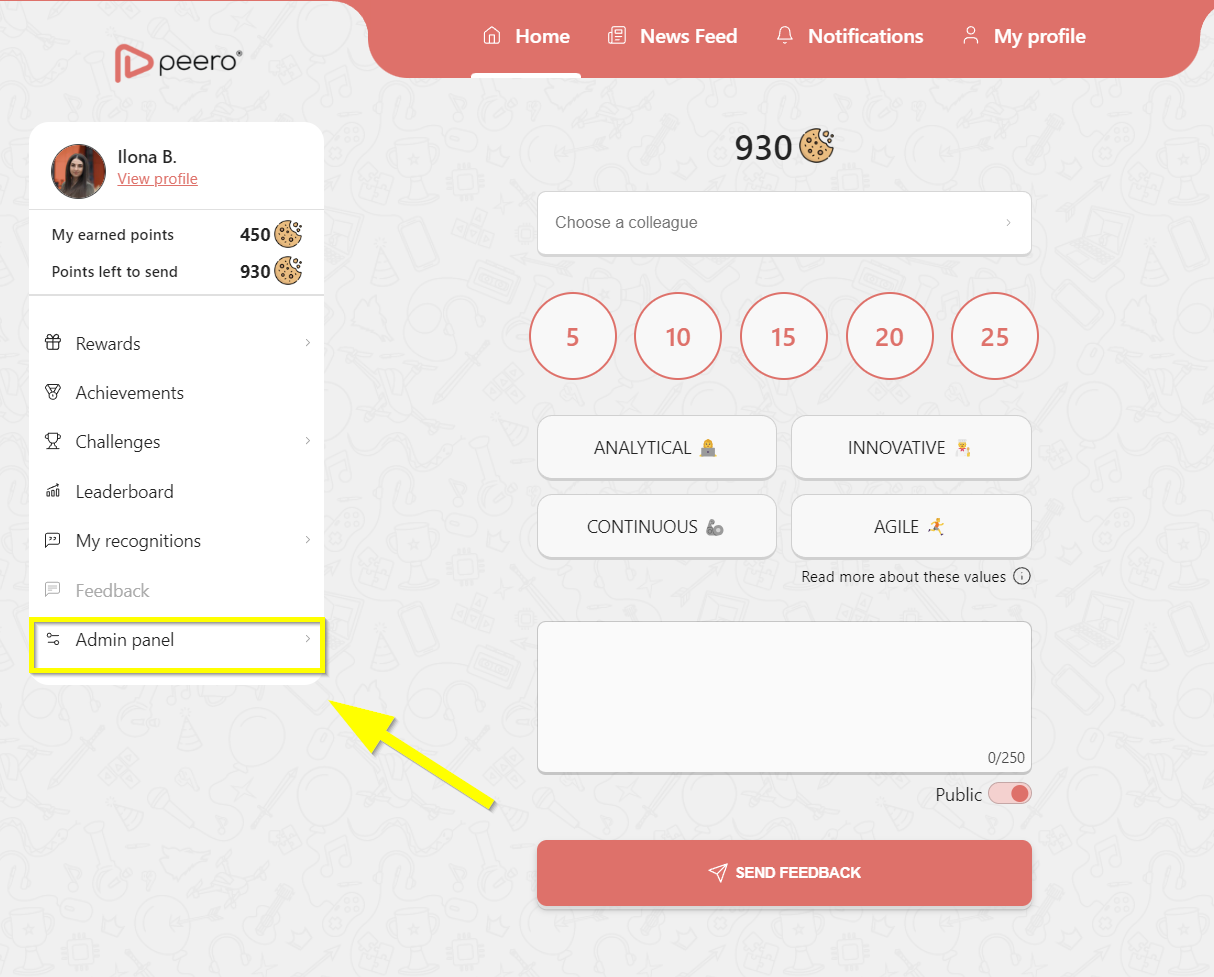
Go to the Admin settings page by clicking the Admin button. Open Tenant settings by clicking the menu on the left side.
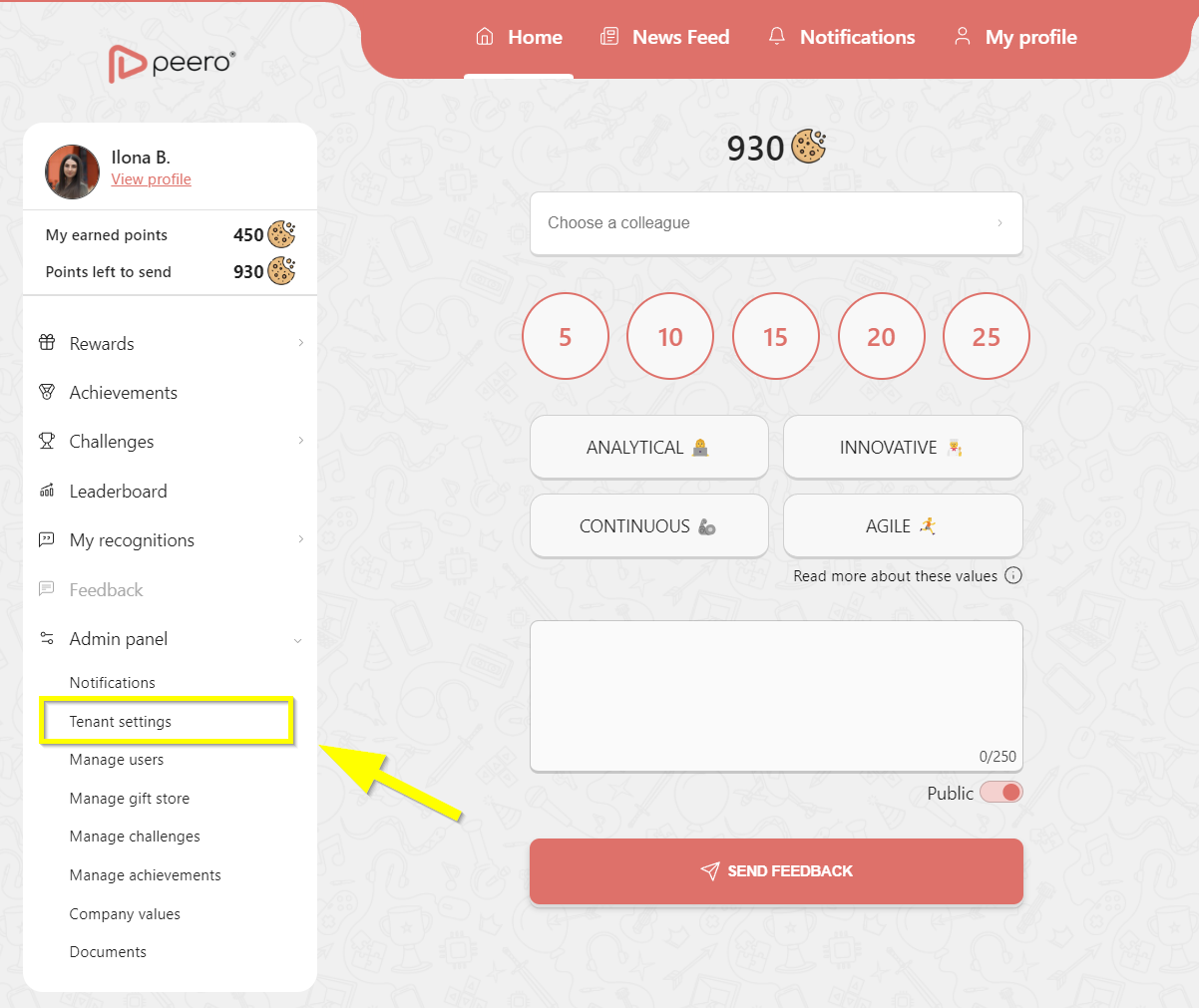
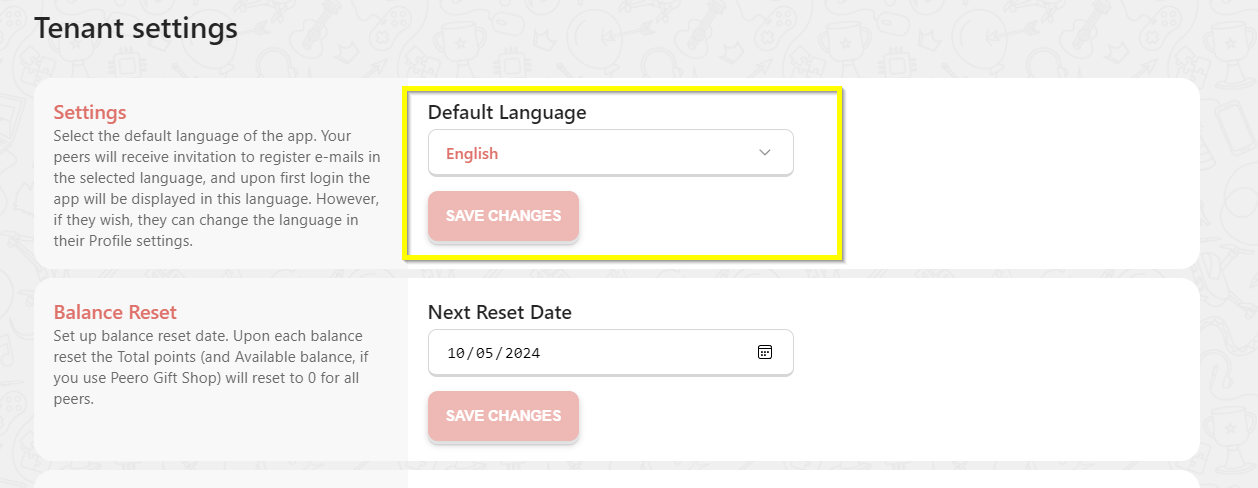
Set default group language- each employee will be able to set a preferred language later.
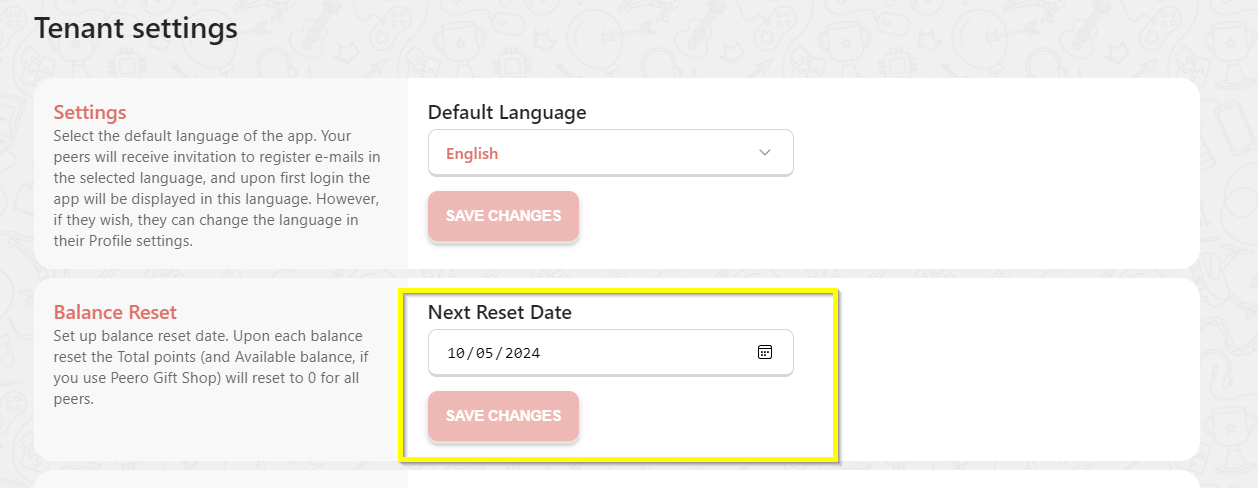
Refresh date setting can be used once a year or quarterly. This setting will delete all transactions from the previous time period.
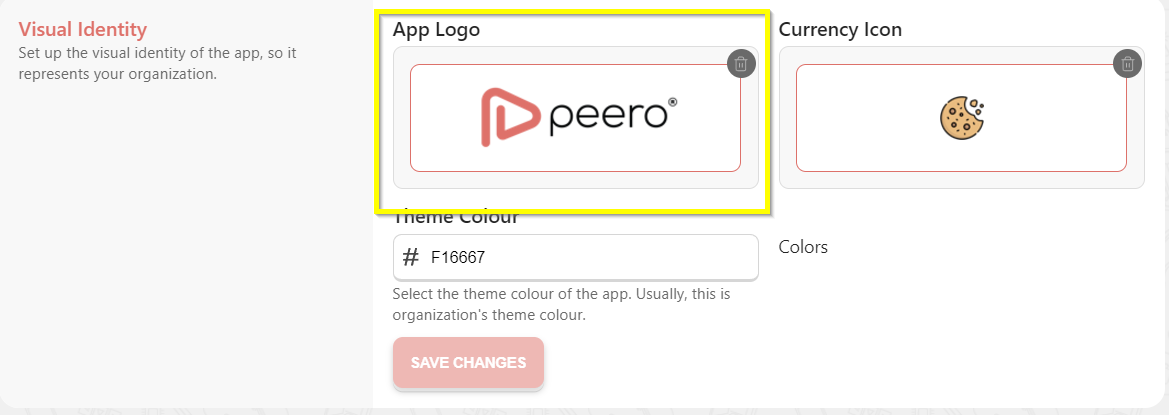
Import your custom logo 195*65 horizontal, transparent background, SVG, or PNG.
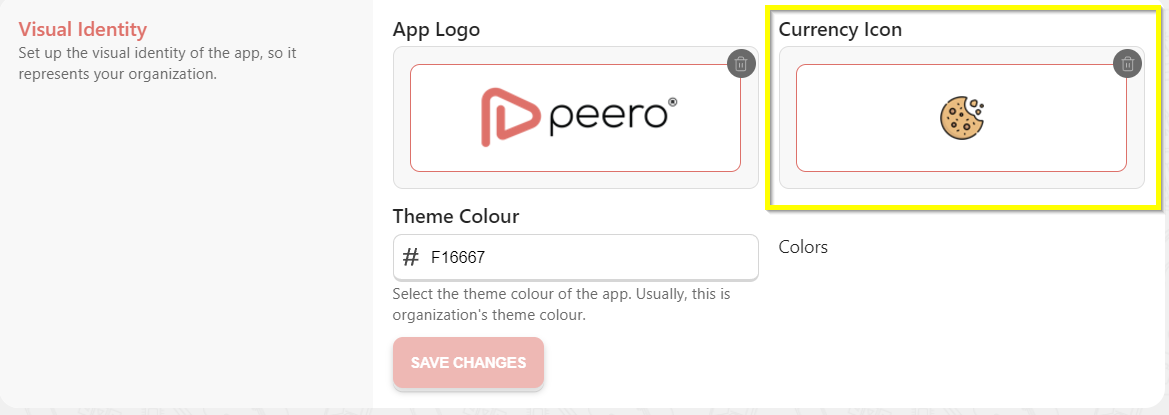
Here you can change the coin icon to fit your company culture, transparent background.
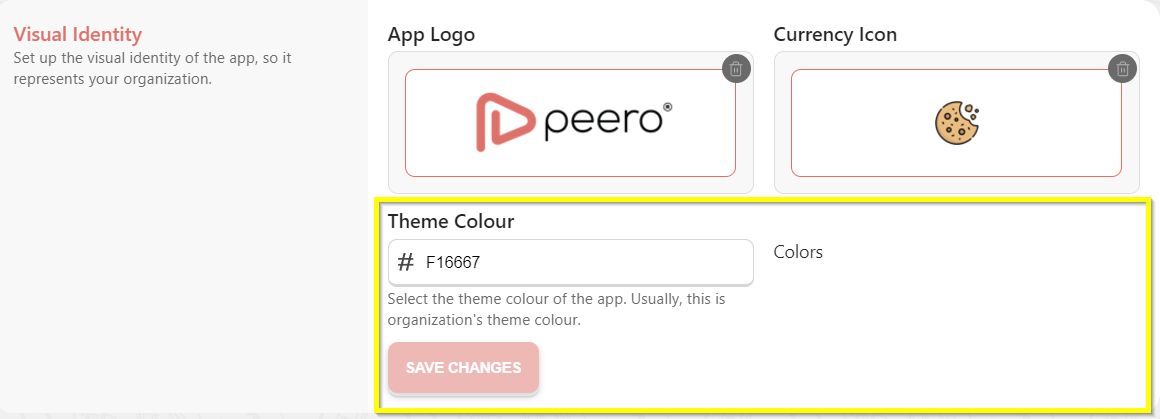
You can choose the software color from the ready-made options or customize it with your #hex code.
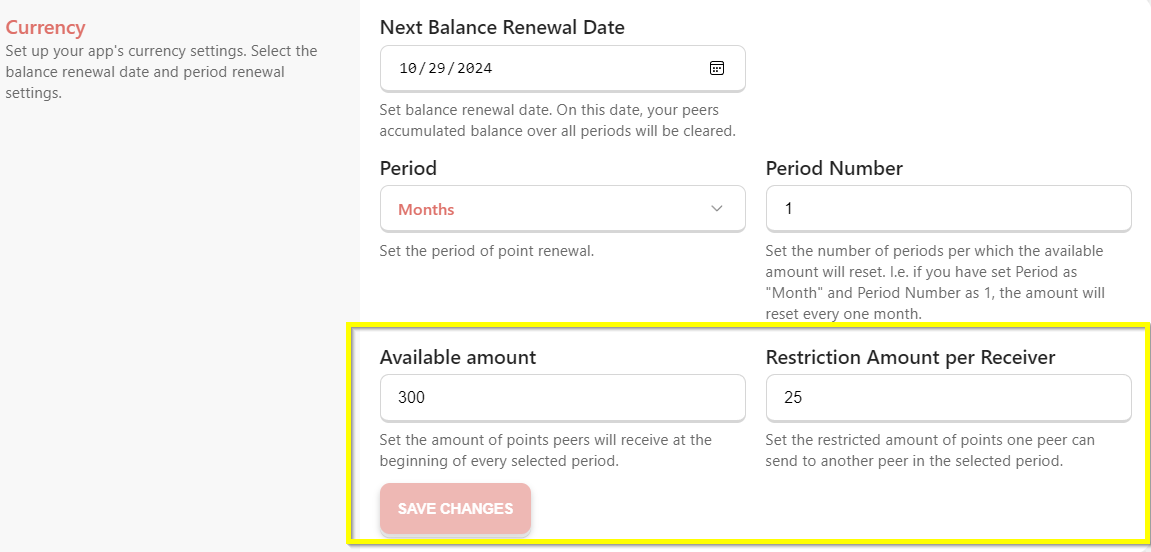
Adjust the balance renewal date. Here you can choose a time period (month or week) in which the set amount of balance will be available before expiration. You can adjust these settings at any time.
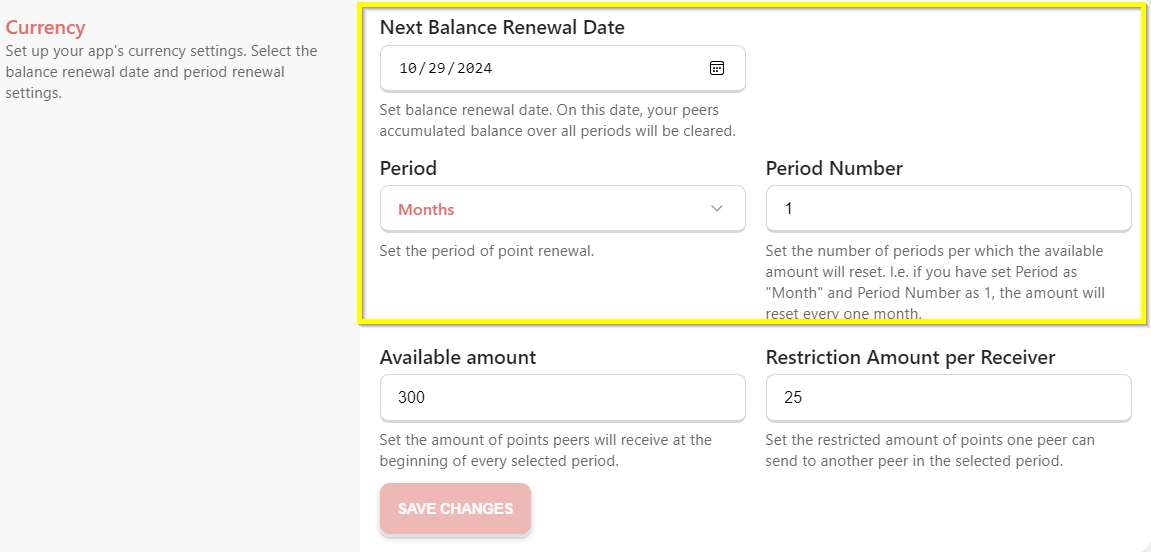
Adjust the amount of coins your team will share with each other. Peero restriction amount- Set the restricted amount that the employee can send to the same peer during the period.
If you have any questions while getting set up, just email us at support@peero.app