How to login for the first time
Invitation to join the PEERO APP via e-mail. (Excel or manual import)
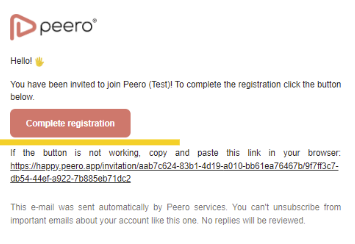
- Receive Email Invitation
- You will receive an email with a link to the Peero portal.
- Click on the “Complete Registration” button.
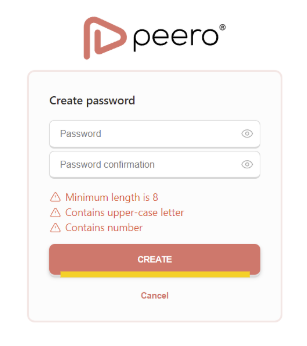
- Create and Confirm Password
- Set a secure password and confirm it to proceed.
- Access Your Profile
- Visit happy.peero.app to access your profile. Use your e-mail and password to sign in.
- Choose your company tenant and access Peero
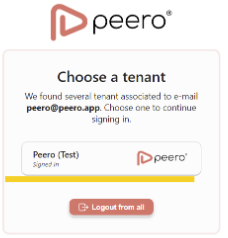
AAD user import
- Visit the Platform
- Open happy.peero.app in your web browser or mobile app
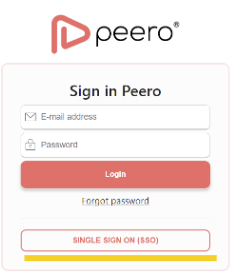
- Click on the “SINGLE SIGN ON (SSO)” button.
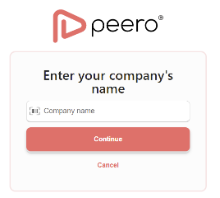
- Enter Your Company Name
- Please clarify the company name with your company's Peero administrator.
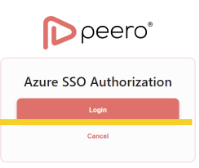
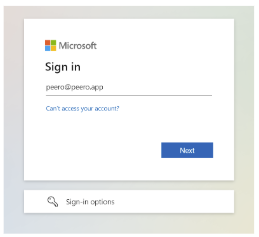
- Log In
- Click on the “Login” button.
- Use your work account password (Microsoft password) to sign in.